The Game of Life2.2.7
Publisher Description
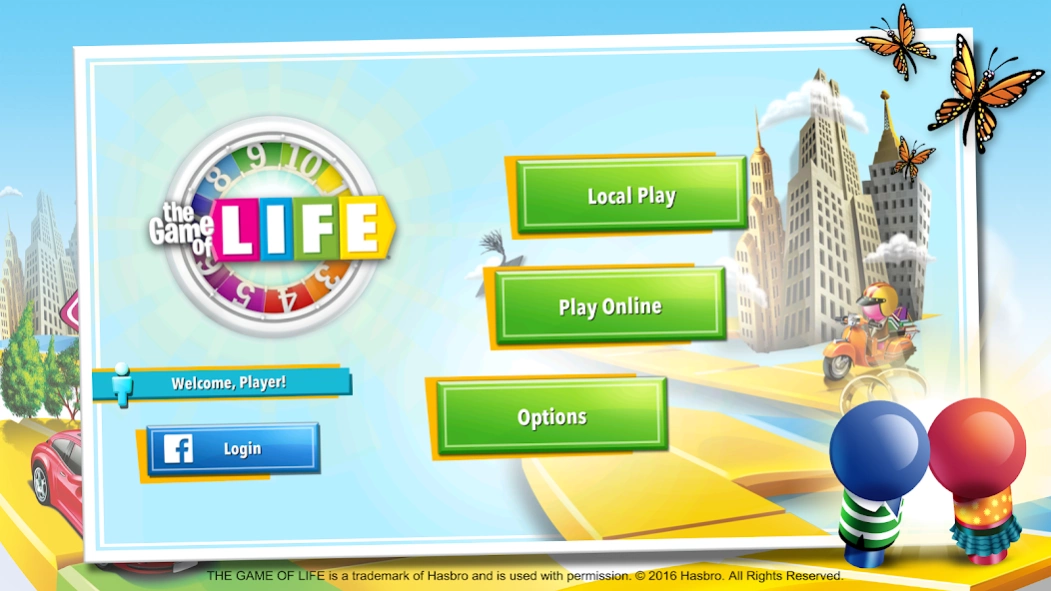
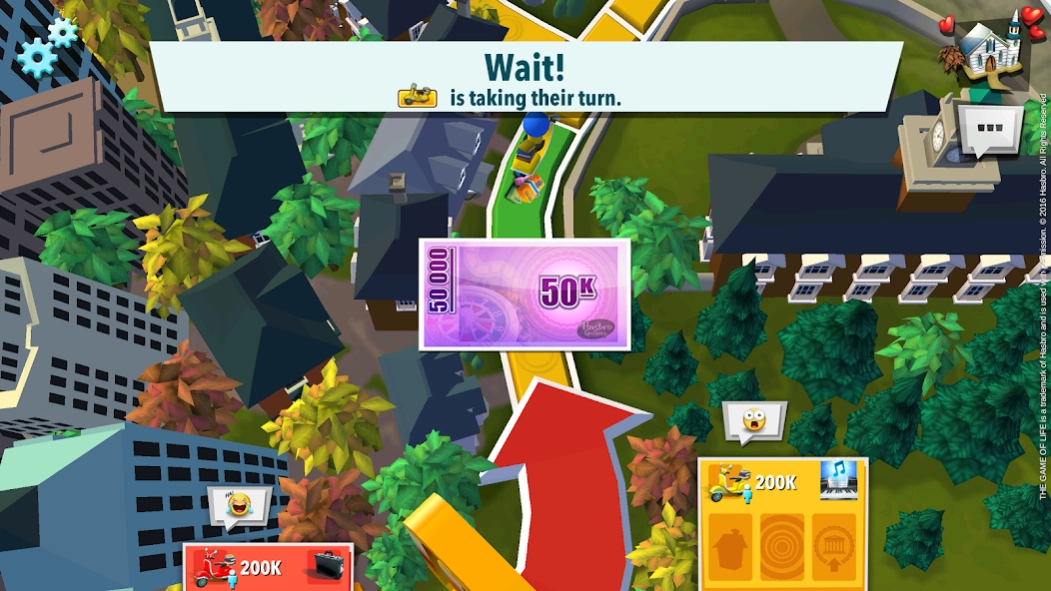
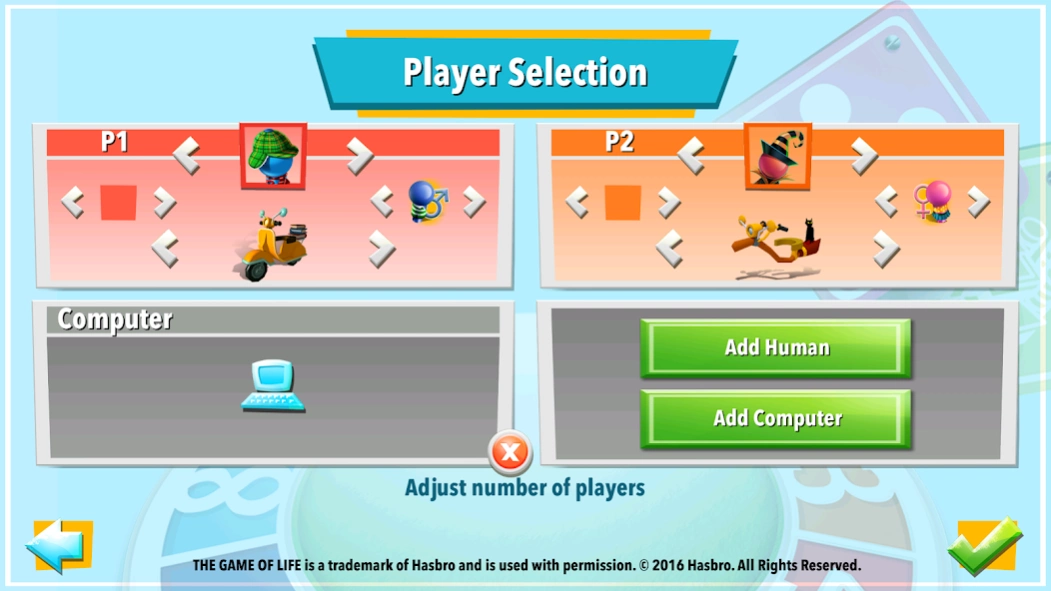
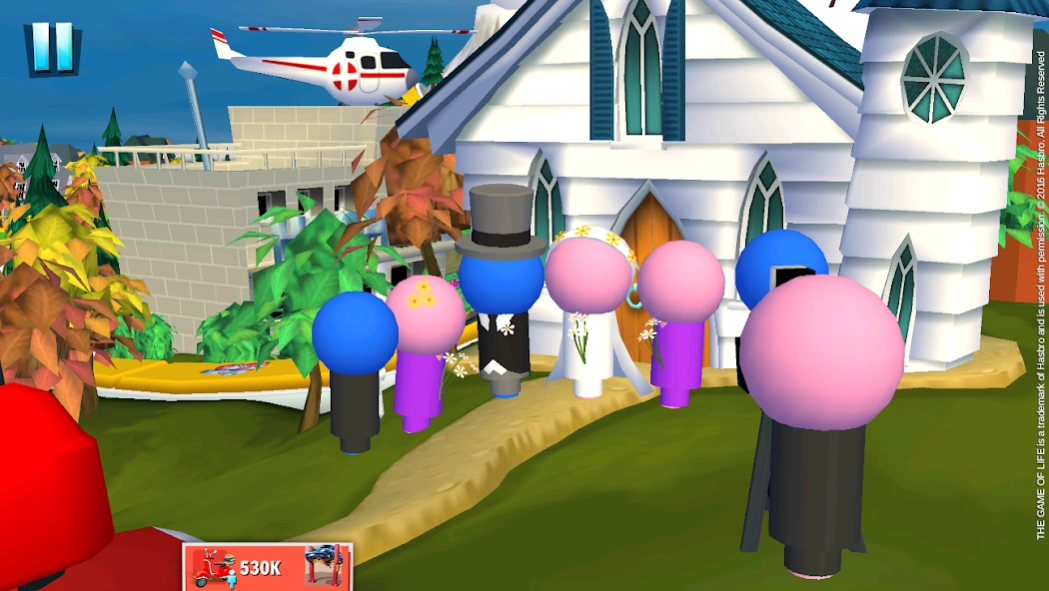
Hit the road for a life of adventure in this version of the classic boardgame!
MAKE CHOICES, GET PAID, OR LOSE IT ALL!
Attend college, accept a job and play minigames in this interactive app that is fun for the whole family. Watch as board piece characters come to life and make their way through the various stages of life on this spectacular, 3D animated reworking of the familiar physical board.
PLAY MULTIPLAYER MODE ONLINE!
The Game of Life features a new, unique and much-anticipated multiplayer mode. Online matchmaking lets you play in a whole new way online. Match and play against other online players as you all spin and race in the direction of the last yellow tile of life’s road.
THIS GAME FEATURES:
• ONLINE MULTIPLAYER - Match with other players and race to the final yellow square
• LOCAL PLAY - Play with up to three friends on one device
• FAST MODE - A new, shorter game mode where you will be faced with a different victory condition!
• MINIGAMES - Put your skills to the test and compete head-to-head in a variety of minigames
• CHAT - Send players expressive emoticons during online matches
THE GAME OF LIFE is a trademark of Hasbro and is used with permission. © 2016 Hasbro. All Rights Reserved.
About The Game of Life
The company that develops The Game of Life is Marmalade Game Studio. The latest version released by its developer is 2.2.7.
To install The Game of Life on your Android device, just click the green Continue To App button above to start the installation process. The app is listed on our website since 2019-06-19 and was downloaded 11,347 times. We have already checked if the download link is safe, however for your own protection we recommend that you scan the downloaded app with your antivirus. Your antivirus may detect the The Game of Life as malware as malware if the download link to com.marmalade.golmobile is broken.
How to install The Game of Life on your Android device:
- Click on the Continue To App button on our website. This will redirect you to Google Play.
- Once the The Game of Life is shown in the Google Play listing of your Android device, you can start its download and installation. Tap on the Install button located below the search bar and to the right of the app icon.
- A pop-up window with the permissions required by The Game of Life will be shown. Click on Accept to continue the process.
- The Game of Life will be downloaded onto your device, displaying a progress. Once the download completes, the installation will start and you'll get a notification after the installation is finished.
Program Details
System requirements
Download information
Pricing
Version History
version 2.2.7
posted on 2019-06-19
Hello Game of Life players!
We’ve added a new theme: Bright Lights, Big City! Explore the towering high-rises of Spinwood and live the glamorous life of a DJ, Architect, or Superstar!
Enjoy!
version 2.0.4
posted on 2017-11-30
Holiday Celebrations have arrived to The Game of Life.
Jolly snowmen have taken over our game to celebrate the most magical season with you! Check our special Holiday offers and don't miss the chance to add some cheer to your Life!
version 2.0.3
posted on 2017-10-13
Halloween has arrived to The Game of Life.
Spooky creatures have taken over our game to celebrate the most haunting season with you! Check our special Halloween offers and don't miss the chance to add some magic to your Life!
version 1.2.6
posted on 2016-09-14
Hey, Game of Lifers! We’ve been working hard and made several behind the scenes improvements to keep the game perky.,Update now to enjoy the brand new Action Cards look and fill up your wallet when your friends spin your Lucky Number.,Have lots of fun with this update, stay tuned and thanks for playing!
